Every photo from Friday, waiting on Saturday.
One private album for your club’s nights out. Only people on your member list get in, and every member can find the photos they’re in.
- A$20 a month per club
- Unlimited members
- Cancel any time


 +409
+409The Google Drive link is not a system.
Every committee has tried it. It works for about nine days.
- Tillyanyone got the ball photos??
- Mahidrive.google.com/drive/folders/1kQ…
- Sofiacan someone reupload, it's all 200kb now

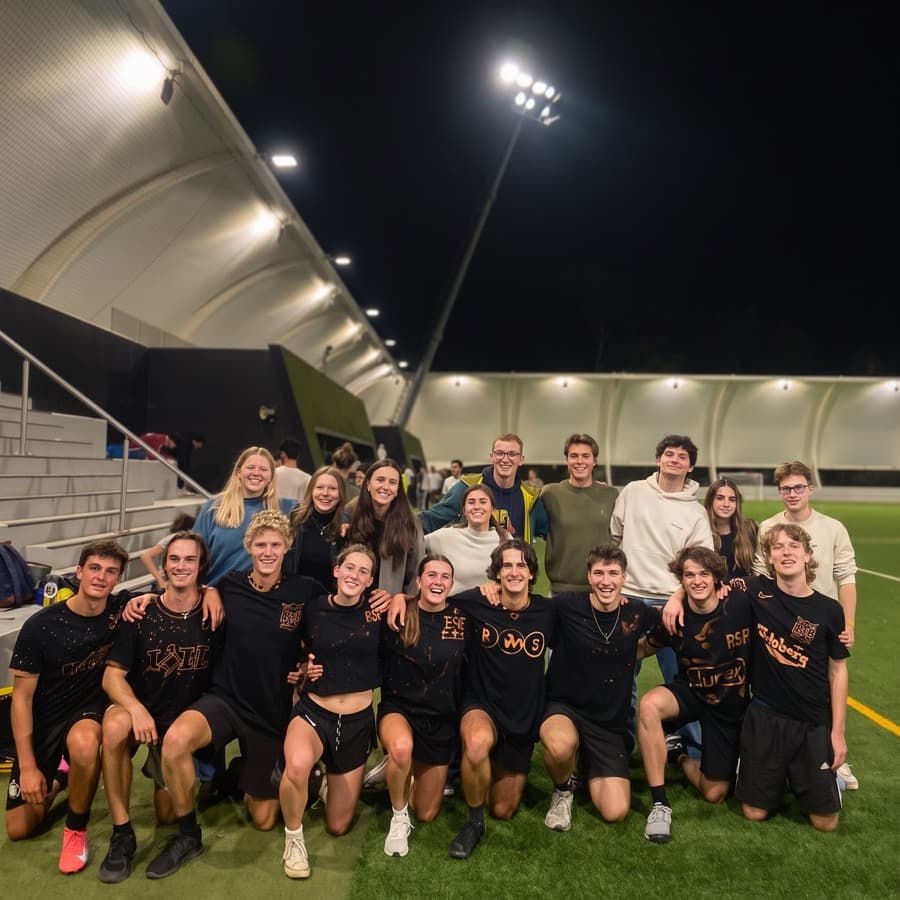
Find every photo of you.
Add one selfie and Klubbies finds the photos you're in, across every album your club has shared. Only you see them.
- Your choiceEvery member is told it's on, then decides for themselves. Nobody is named unless they add their own selfie.
- Only you see your matchesThere is no way to search a club's photos for a person. Not for other members, and not for the committee.
- Off whenever you likeTurning it off deletes your selfie, your faceprint and every match within 24 hours.
Matches are suggestions. Dim rooms and motion blur cause misses, and you can mark anything wrong as Not me.
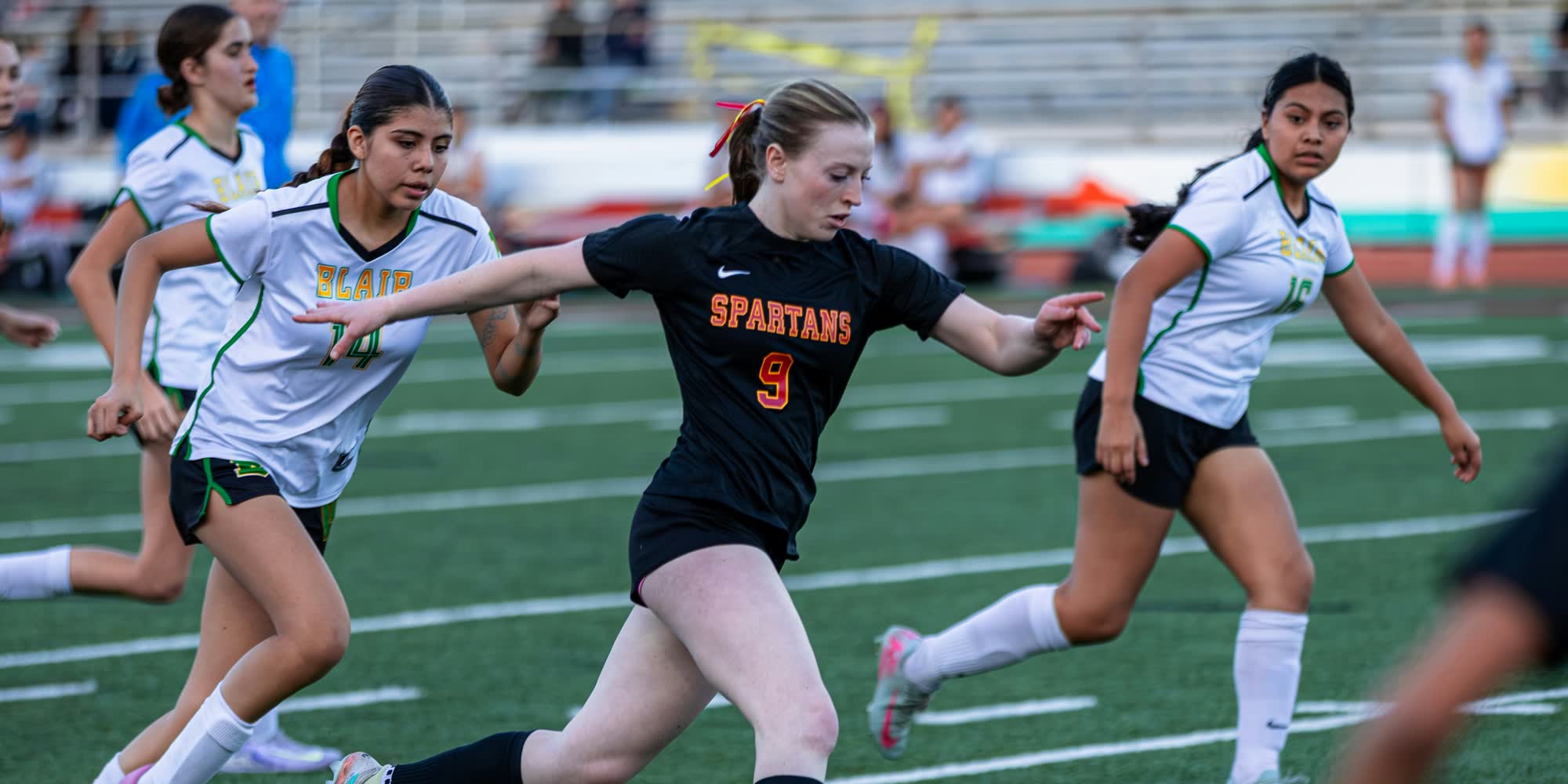
Three steps, once.
Set up on a Sunday arvo. Every event after that is a drag and drop.
- 1Bring your member listUpload the CSV or Excel file your club already keeps. That list is the door.
- 2Drop the whole night inPhone photos and video, full quality, one album. Close the tab and it picks up where it stopped.
- 3Members sign in, nobody elseMembers use the email the club already has. Nobody else gets past the door.
Two sides of the same night.
Members get a camera roll. The committee gets the controls.
- Photos of you
- Every album you were at
- Save at full quality
- Ask for a photo to come down
- Import the member list each semester
- Let any member add photos
- A link for the photographer
What committees say.
“I love Klubbies! In the past, we've shared all of our event pictures with Google Drive, and it was just inefficient and ugly. Now it's way smoother we can get the pictures to all our members.”
 AlexExecutive, UOM Boardgames
“We've had many events this past years and Klubbies had made it really easy to keep our photos organized.”
 HannahTeam leader, TUG Racing
“We take a lot of pictures during trips and distributing them has always been a pain. With Klubbies that's history.”
 JanciPresident, BBE Club WU
Nobody gets in who isn’t on the list.
- Checked every time
- Not indexed, not public
- A 30 day window to leave
- Stored in Sydney
This album belongs to UniMelb FC. Ask your committee to add your email and this page opens.
No preview. No thumbnails. Nothing leaks from this page.
A$20a month, per club
Not per member. Not per gigabyte.
- Unlimited members and albums
- Full quality photos and video
- Photos of you, with face recognition
- Cancel any time, keep what's there
Setting up is free. You pay when you activate the club to add members and upload.
Questions committees ask.
Who can see our photos?
Only people on your member list, signed in with their own email. Albums aren't public, aren't indexed by search engines, and there's no link you can forward to someone outside the club.
How does Photos of you work?
Face recognition is on for every club unless the committee switches it off, and every member is told. Then each member decides: add a selfie and we show you the photos you appear in. Only you see your matches, and you can turn it off whenever you like.
What happens when someone leaves the club?
Take them off the list and their access winds down over 30 days, with reminders so they can save what they want to keep.
Who can see our photos?
Only people on your member list, signed in with their own email. Albums aren't public, aren't indexed by search engines, and there's no link you can forward to someone outside the club.
How does Photos of you work?
Face recognition is on for every club unless the committee switches it off, and every member is told. Then each member decides: add a selfie and we show you the photos you appear in. Only you see your matches, and you can turn it off whenever you like.
What happens when someone leaves the club?
Take them off the list and their access winds down over 30 days, with reminders so they can save what they want to keep.
Do we have to retype our member list?
No. Upload the CSV or Excel file your club already keeps and map the columns once.
Can members add their own photos?
Per album, yes. Set who can add photos to Any member, or leave it on Committee only.
What happens if we cancel?
You keep access until the end of the month you paid for. Members can still open existing albums, and we give at least 30 days' notice before deleting anything.
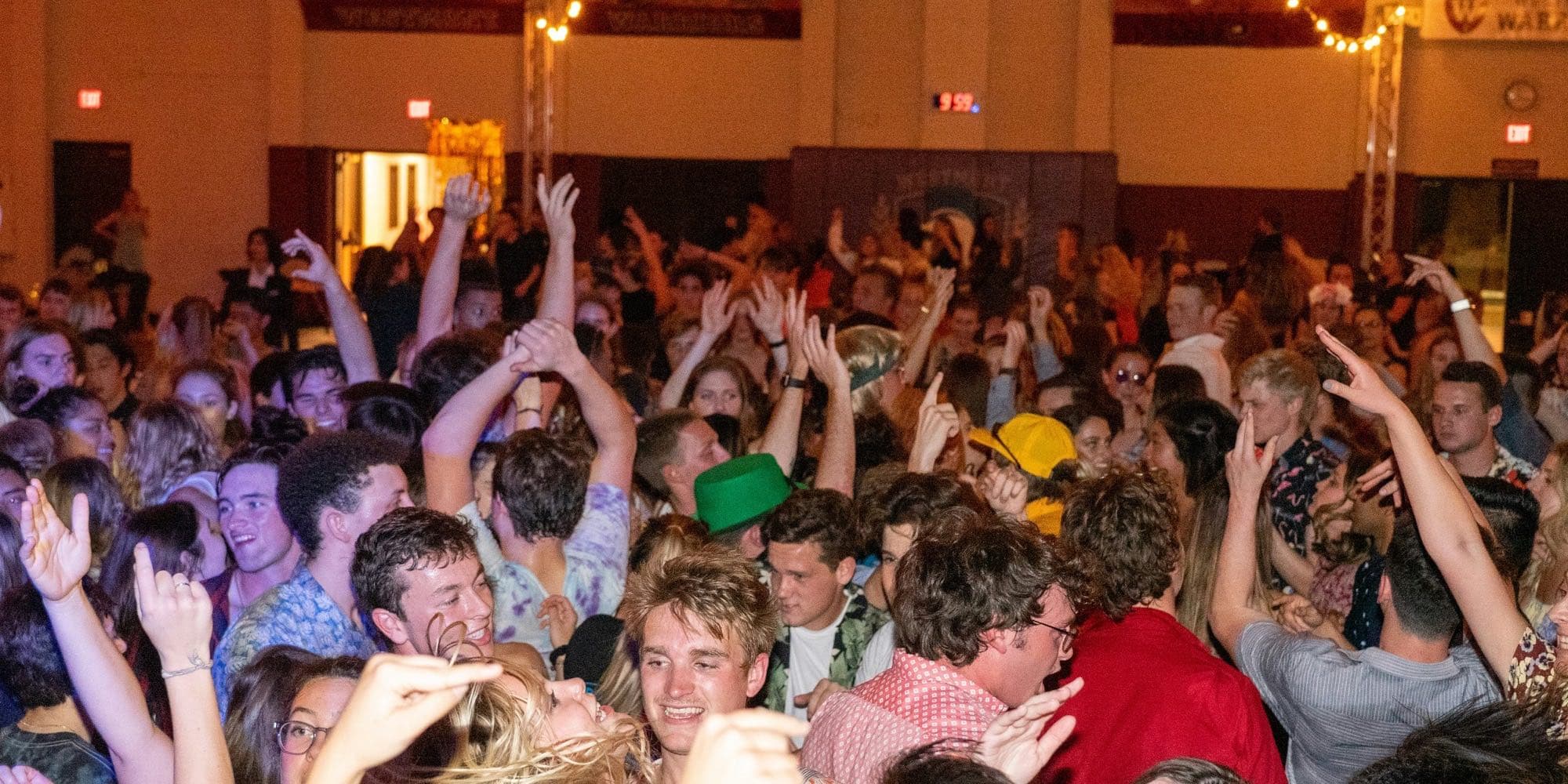
Your next event is this weekend.
Set the club up tonight and the photos have somewhere to land on Saturday morning.