One member list. One private place for the photos.
Klubbies replaces the shared drive folder that half the committee can edit and anyone can forward. Here is the whole thing, start to finish.
Bring your member list
Name the club and you get a fixed web address to share. Drop in the membership CSV or Excel file your club already keeps, or type people in by hand. Klubbies finds the header row, lets you map the name and email columns, and shows exactly who will be added before anything happens.
- Tilly Nguyent.nguyen@student.unimelb.edu.au
- Mahi Patelm.patel@student.unimelb.edu.au
Drop the whole night in
Drag in hundreds of phone photos, the drone clip and the committee headshots. Originals are kept at full quality and smaller copies are made for fast browsing. Uploads keep going while you use the rest of the app, and pick up again if your connection drops.
- IMG_4482.HEICDone
- IMG_4483.HEIC72%
- MVI_0091.MOV · 1.4 GB18%
Members sign in, nobody else
A member types their name and email. If the email is on the list, we send a code to that address. No password to forget, and no link that works for whoever it gets forwarded to. Members can set a password later if they sign in often.
Everyone sees their club, nobody else does
Albums are private to the people on that club's member list. Every photo is served through a link that expires within minutes, so nothing escapes into a group chat. Members can download originals when you allow it.
 Semester 2 Ball
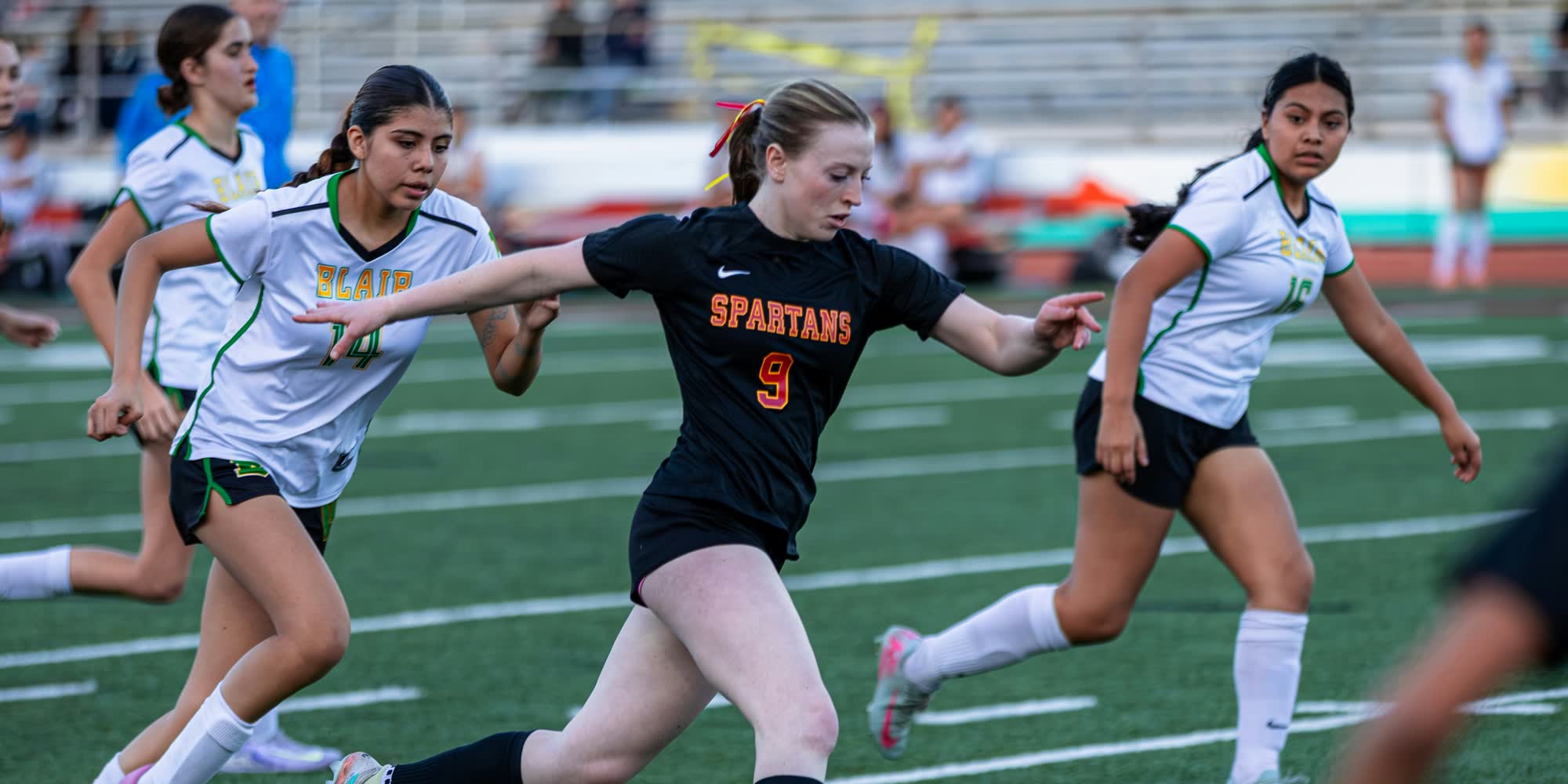 Round 7 vs Monash
 First social
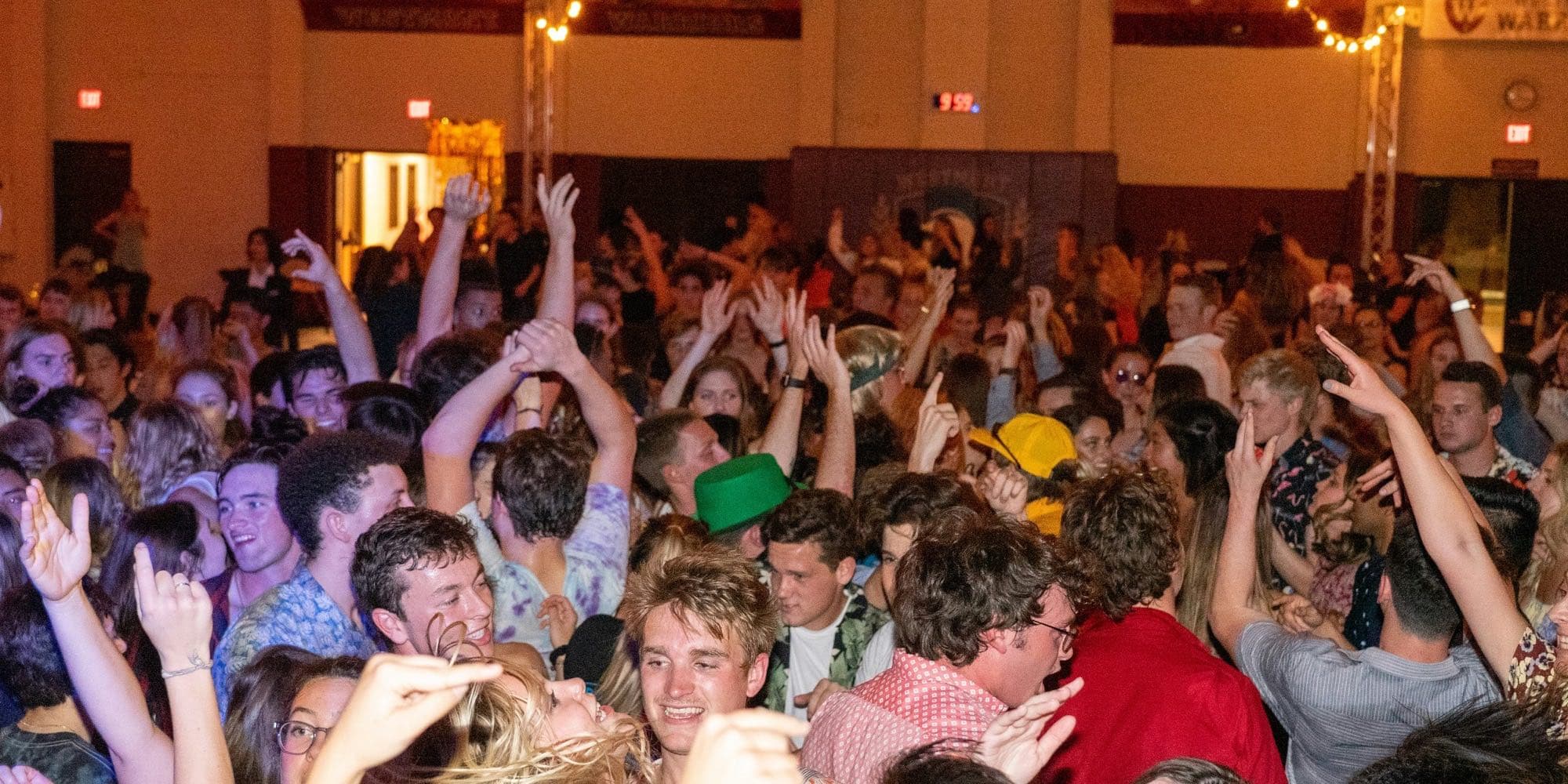 End of season
Members find the photos they're in
Add one selfie and Klubbies finds the photos you're in, across every album your club has shared. Only you see them. Every member is told it's on, then decides for themselves. Nobody is named unless they add their own selfie.
 Photos of youOnly you see this page

People join and leave
Give roles like Committee or Treasurer and decide what each role can do: add members, make albums, upload photos. When someone leaves, they keep access to earlier albums for 30 days, get an email about it, and then their access ends by itself.
- Mahi PatelCommittee
- Lachlan DoyleTreasurer
- Tilly NguyenMember
- Jack RyanLeft the list · 30 days of access left
Questions we get.
What does it cost?
A$20 a month per club. One price, unlimited members, unlimited photos and videos.
Who can see our photos?
Only people on your member list who have confirmed their email. Nothing is public and nothing is indexed by search engines.
Is face recognition on by default?
Yes, for the club, and the committee can switch it off in Settings. Every member is told it's on. Only members who add their own selfie are ever matched, and each of them sees only their own photos.
Can members add their own photos?
Yes, per album. Set who can add photos to Any member, or leave it on Committee only.
Where is our data stored?
In Sydney, Australia.
Can we leave?
Cancel any time. You keep access until the end of the month you paid for, and we give at least 30 days' notice before deleting anything.